Before You Use a Skincare Ingredient Checker: Check the Copied List
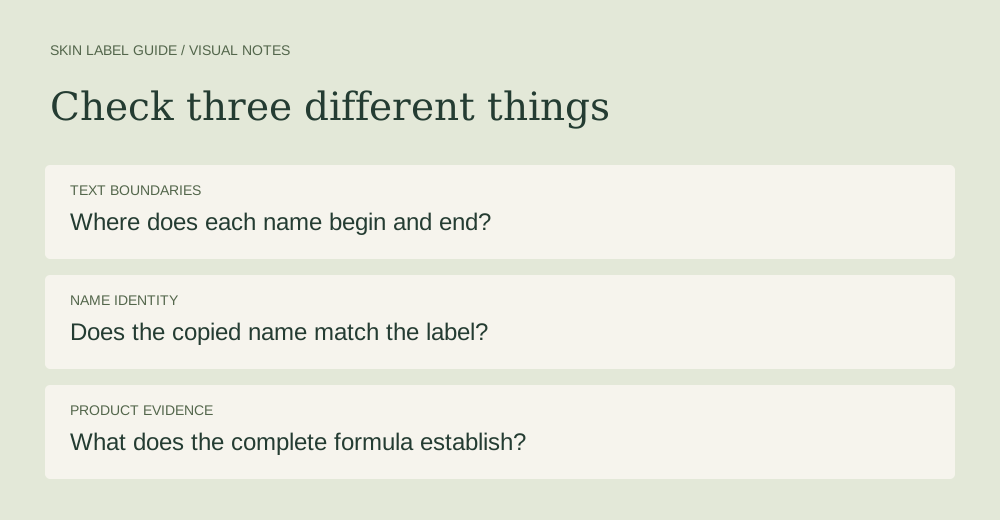
Before pasting a label into a skincare ingredient checker, compare the copied text with the original panel, check where each name starts and ends, and keep uncertain names unresolved. A tidy list can still contain a transcription mistake. The local preview below helps you inspect text boundaries; it does not identify ingredients or rate a product's safety.
What did we actually test?
We ran eight synthetic text inputs through the same boundary preview used on this page. These are deliberately constructed examples, not copied product formulas, customer experiences, or tests of another company's checker. The observations describe this preview only. No skin testing took place.
The preview separates commas, semicolons, and line breaks outside brackets. It preserves separators inside brackets and a narrow numeric-name pattern. It never consults an ingredient dictionary. Those limits matter more than the apparent neatness of its output.
A comma and a semicolon gave the same fragments
In test A, Aqua, Glycerin, Niacinamide produced three fragments. In test B, replacing the commas with semicolons also produced three. Both previews proposed Aqua, Glycerin, Niacinamide for export. This establishes what our boundary rule did with these inputs; it does not show that every ingredient checker accepts semicolons.
For an actual lookup, follow the receiving tool's instructions. SkinSort, for example, recommends a comma-separated official ingredient list and warns that descriptions or unsuitable formatting can interfere with matching. That guidance is already public information, not an exclusive finding. SkinSort formatting help
The line break that looked like another ingredient
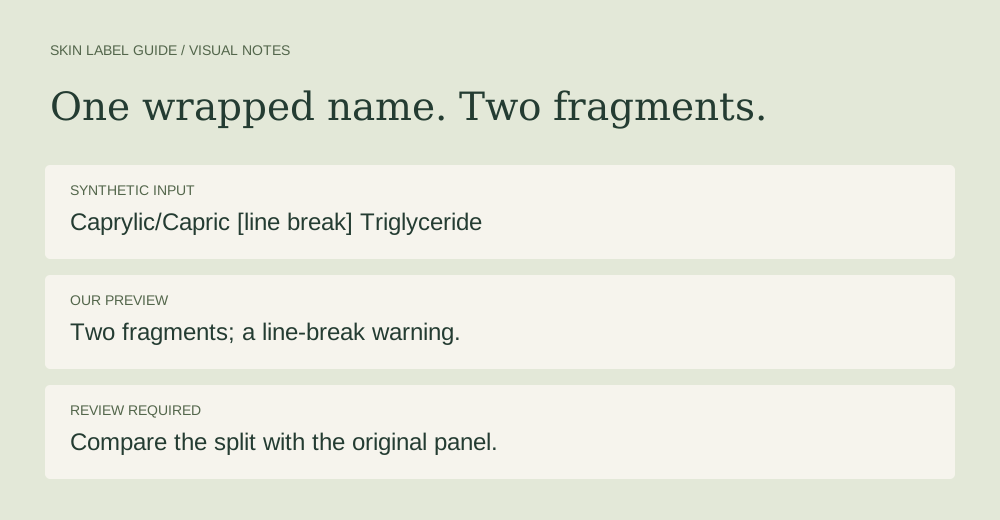
Test D used this synthetic input:
Aqua, Caprylic/Capric
Triglyceride, Glycerin
Our preview produced four fragments: Aqua, Caprylic/Capric, Triglyceride, and Glycerin. The input was constructed by wrapping one name across two lines, so that extra boundary was unwanted. The preview displayed its line-break warning, but did not automatically join the pieces. It cannot know whether a line break means wrapping or a new entry.
Compare that boundary with the original label. Do not solve the problem by blindly deleting every line break: another list might genuinely place a separate name on each line.
Brackets and numeric commas need different treatment
Test C placed a comma inside brackets: Aqua, Extract (Water, Glycerin), Niacinamide. Our preview kept Extract (Water, Glycerin) together and returned three fragments. The generic word Extract is a test placeholder, not a claim that this is a valid product declaration.
Test H used Aqua, 1,2-Hexanediol, Glycerin. It also returned three fragments, preserving the comma inside 1,2-Hexanediol. That result came from a narrow numeric-prefix rule rather than recognition of the ingredient. A parser that merely splits at every comma would behave differently; neither approach alone verifies a complete label.
When test F omitted a closing bracket, the preview returned two provisional fragments but withheld the export text. This is an intentional stop: a bracket mistake should be reviewed before the reconstructed list is copied elsewhere.
A fragment count is not an ingredient count
Test E contained only Phenoxyethanol (and) Caprylyl Glycol. The preview returned one text fragment because it does not split the word (and). That is a count of text boundaries, not a finding that the string names one substance. Supplier documentation identifies phenoxyethanol and caprylyl glycol as the INCI components of Optiphen. Ashland documentation
Test G used the deliberately altered spelling Nlacinamide. It survived unchanged in a three-fragment list. Our preview did not correct it, approve it, or reject it. Clean punctuation therefore does not establish that a name was transcribed correctly.
What should you copy into the checker?
Use the complete label text after checking the proposed boundaries against its source. Keep the original nearby. If a name is unclear, go back to the package or the manufacturer's ingredient panel rather than guessing which familiar ingredient it resembles.
The preview requires you to confirm that review before enabling its copy button. That confirmation records a step you took; it is not a safety certificate. For the next step—interpreting the actual lookup—read what a skincare ingredient checker can and cannot settle.